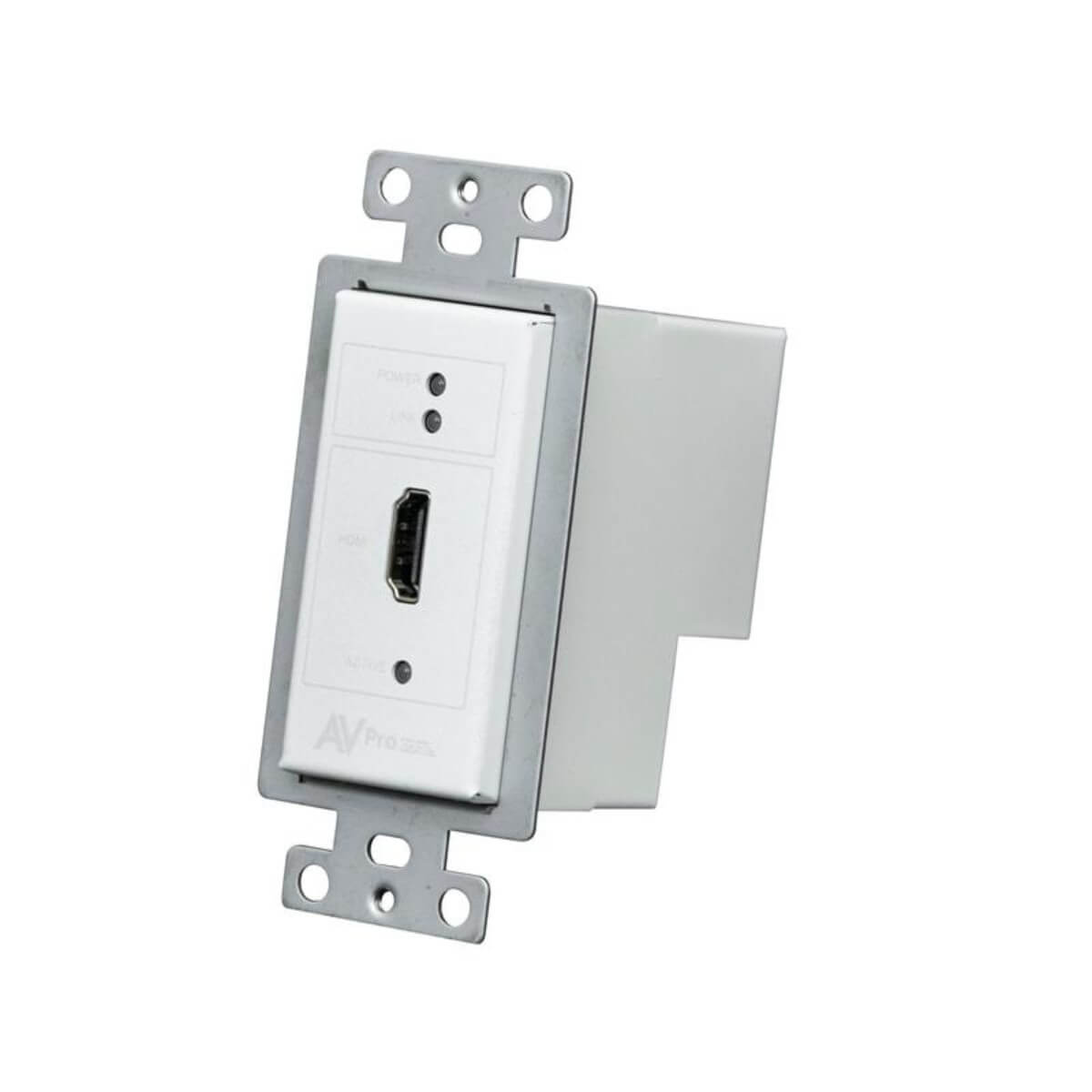

ConferX AC-CXWP-HDMO-T
HDMI Single Gang, Decora Wall Plate (White) HDBaseT Transmitter ONLY (100M HD, 70M 4K)
- AC-CXWP-HDMO-T



Description
Put an HDMI input at the presenter position with the white, single-gang ConferX AC-CXWP-HDMO-T. It sends video and audio over HDBaseT to a compatible receiver or matrix. Input sensing and EDID controls support a setup in which guests can connect a laptop without opening the equipment cabinet.
When paired with the AC-EX70-444-RNE-P on Cat6A, the wall plate supports up to 100 meters at 1080p or up to 70 meters at supported 4K timings. The listing is for the wall plate transmitter.
Choose the receiver and power arrangement to work with and run and the rest of the system. The single HDMI connection is straightforward for users who bring their own cables.
It can also serve a dedicated room source, such as a media player mounted inside a nearby lectern. For a standalone display link, pair this transmitter with the 70 m HDBaseT receiver with a power supply. For a switched installation, connect it to a compatible ConferX 4x2 matrix switcher instead.
Installing the presentation input
A dedicated HDMI plate works well when the same laptop connection is used for every session. Keep the guest-facing cable short enough to manage at the presenter station. Behind the wall, document the receiver or matrix port that the plate serves so a technician can identify the other end quickly.
Install it at a lectern wall or at the front of a meeting room that uses HDMI as its standard wired input. Keep a short HDMI lead available at the plate and test the most common laptop resolution. For rooms with a compatible HDBaseT matrix, verify input naming and switching from the installed control interface.
Before the wall is closed, check mounting depth, cable bend clearance and the path to the receiving equipment.
Once the plate is in place, have someone unfamiliar with the room try connecting a laptop. That check can reveal whether the input label, available cable and display behavior are clear enough for everyday use.