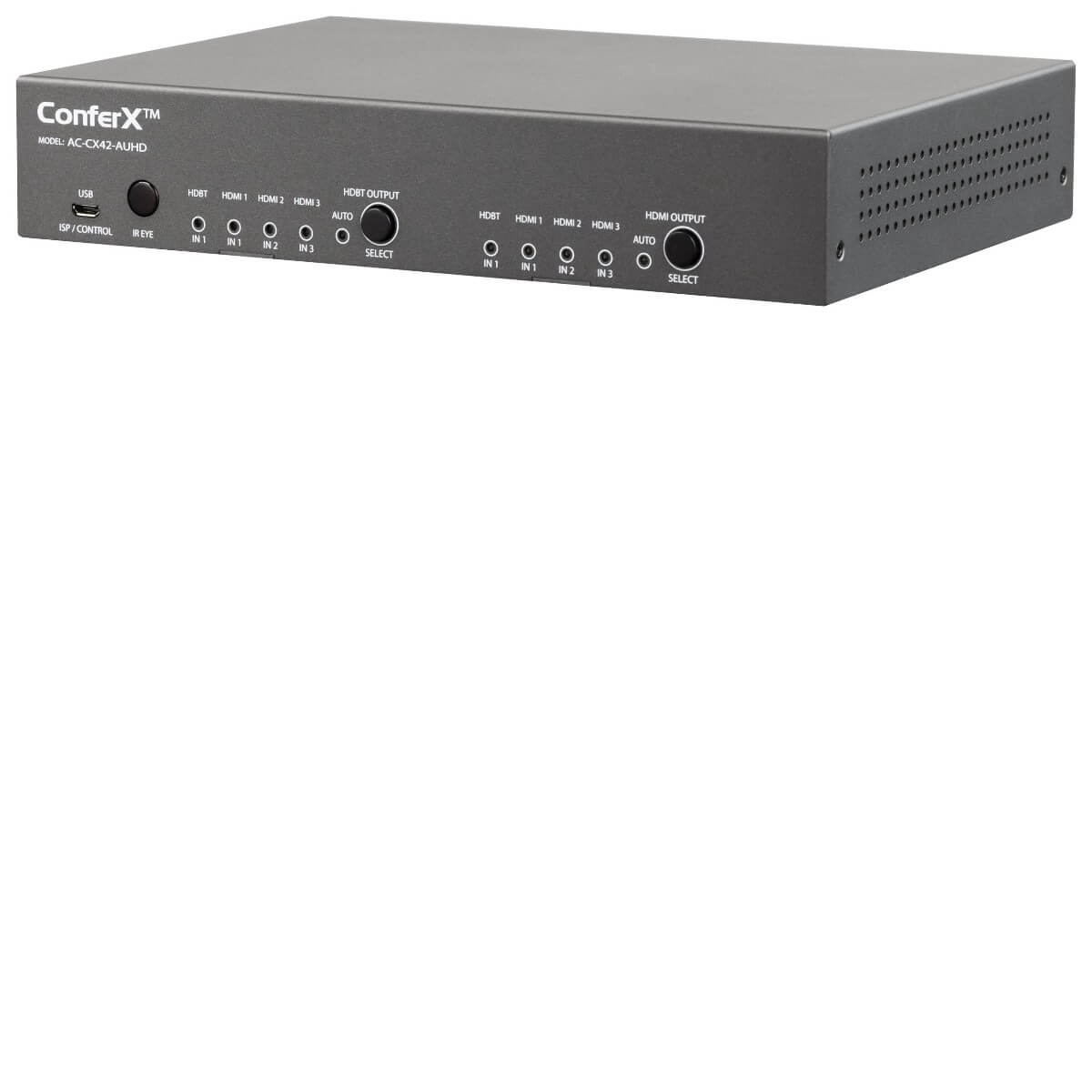

ConferX AC-CX42-AUHD
4x2 ConferX Auto Switching Matrix w/ HDBaseT Inputs and Outputs
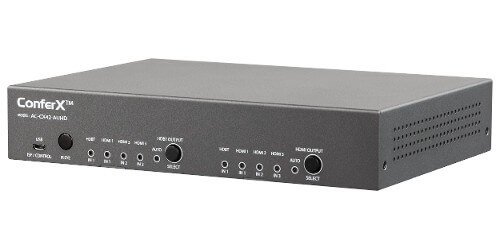
- AC-CX42-AUHD



Description
Route up to four presentation sources to two independent destinations. The ConferX matrix combines HDMI and HDBaseT connections so a room PC can sit in the rack while a guest laptop plugs in at a distant wall plate. Use the HDMI output for the main display and the HDBaseT output for a second location with a compatible receiver.
Make room for both presentation and voice audio. Dedicated audio connections let the integrator account for a microphone and room sound as well as the picture on each screen.
Automatic switching can select the most recently connected source, and the front panel gives staff direct control of each output. A web interface supports setup and integration. The four inputs comprise two HDMI and two HDBaseT connections.
That layout suits rooms with two local sources and two remote presentation positions. At a guest presentation position, a ConferX HDMI wall plate transmitter puts the connection where people can reach it while keeping the category run behind the wall.
Planning the source and display routes
Plan each presentation input by connector type. Local equipment can use HDMI, while a remote input can use compatible ConferX wall hardware. If both displays must show different material, include two different sources in the acceptance test. That verifies the matrix routing and gives staff a simple demonstration they can repeat.
In a training room, keep the instructor's computer available on one screen while a participant shares a presentation on the other. Test what happens when the guest disconnects and when the room PC wakes, especially if automatic switching is the default. Confirm the link length and video format for each HDBaseT leg separately.
A matrix gives each destination its own source selection. Map the inputs to the names users recognize and label the outputs by room or display.
During setup, check whether both destinations can handle the same source format and whether the switching behavior matches what staff expect when someone plugs in a laptop.