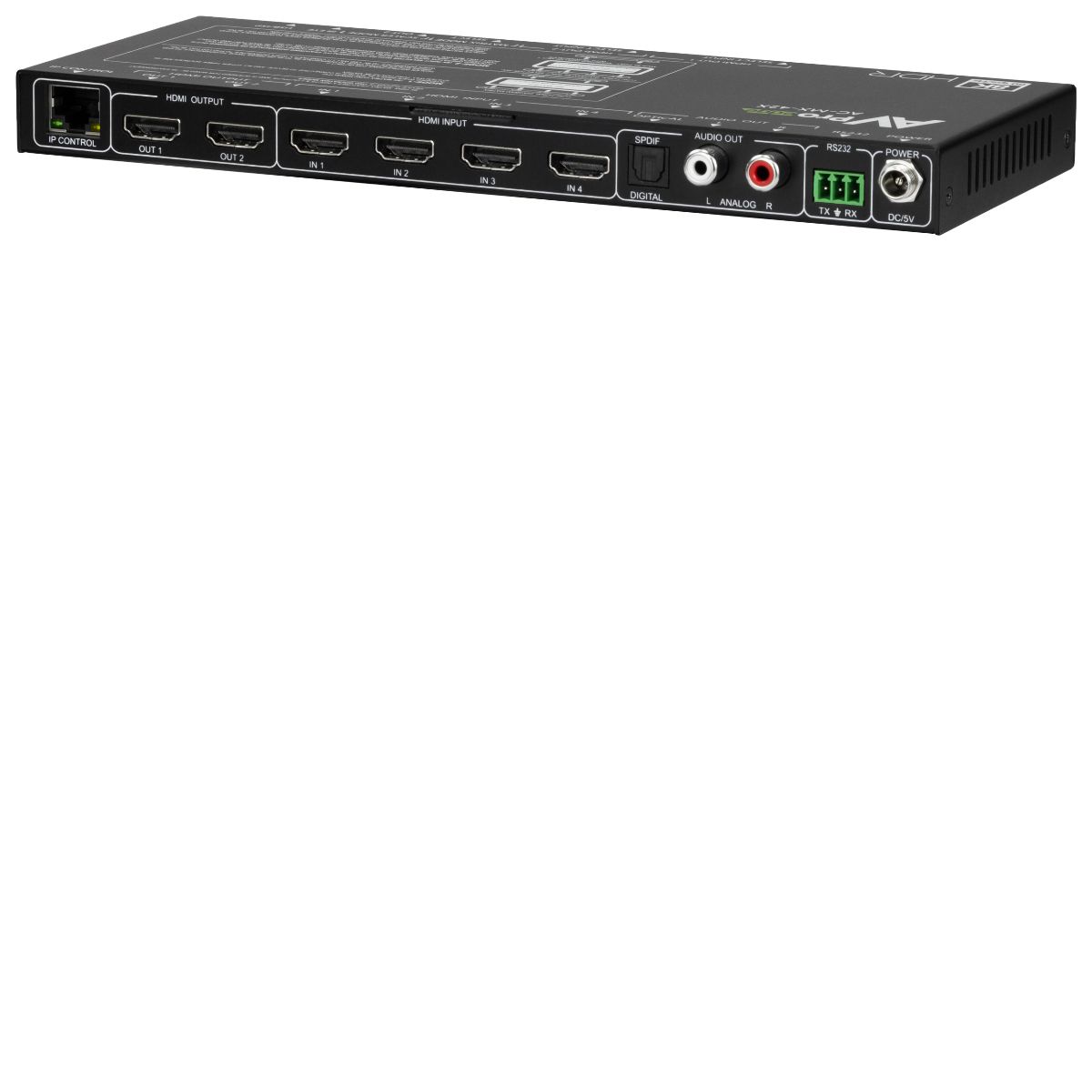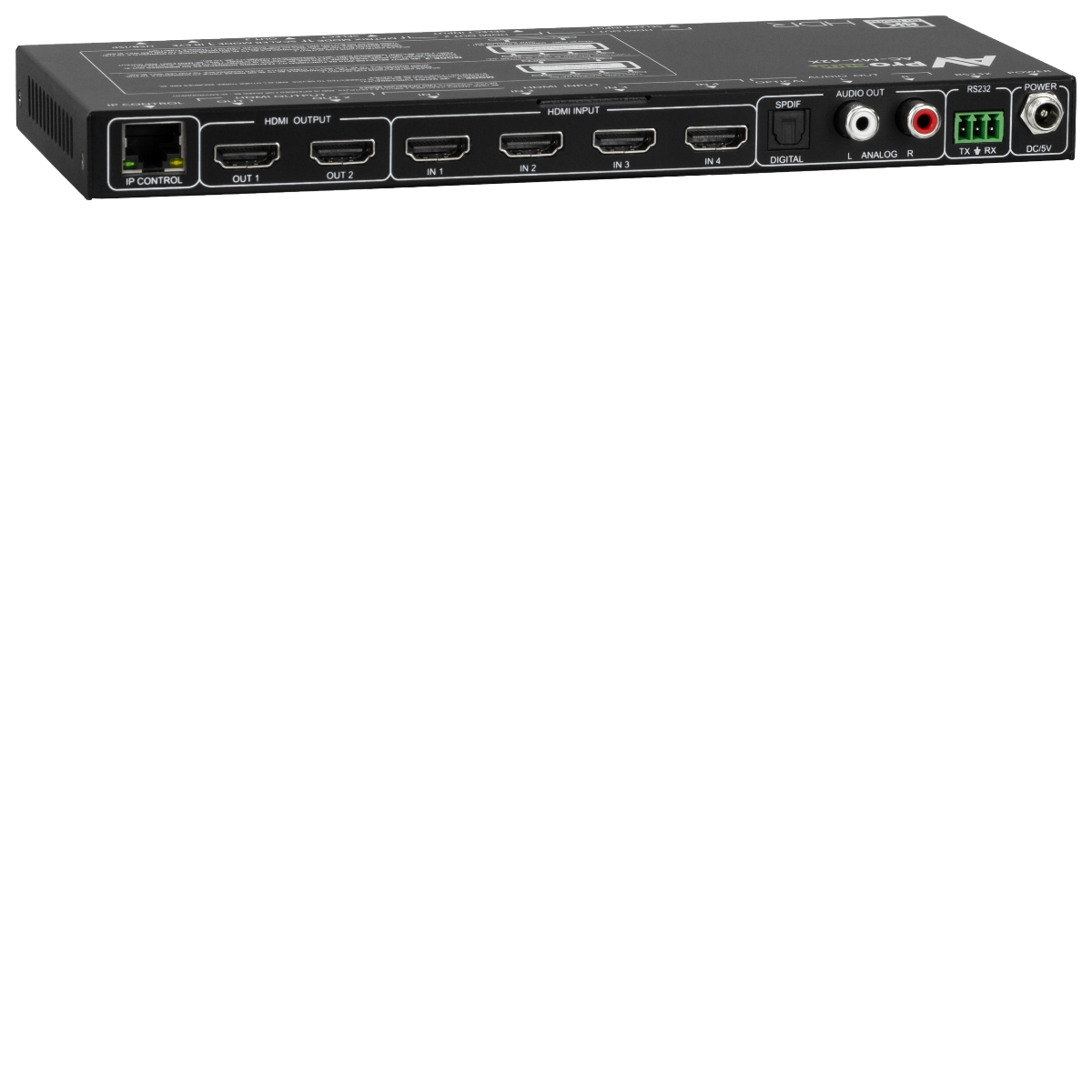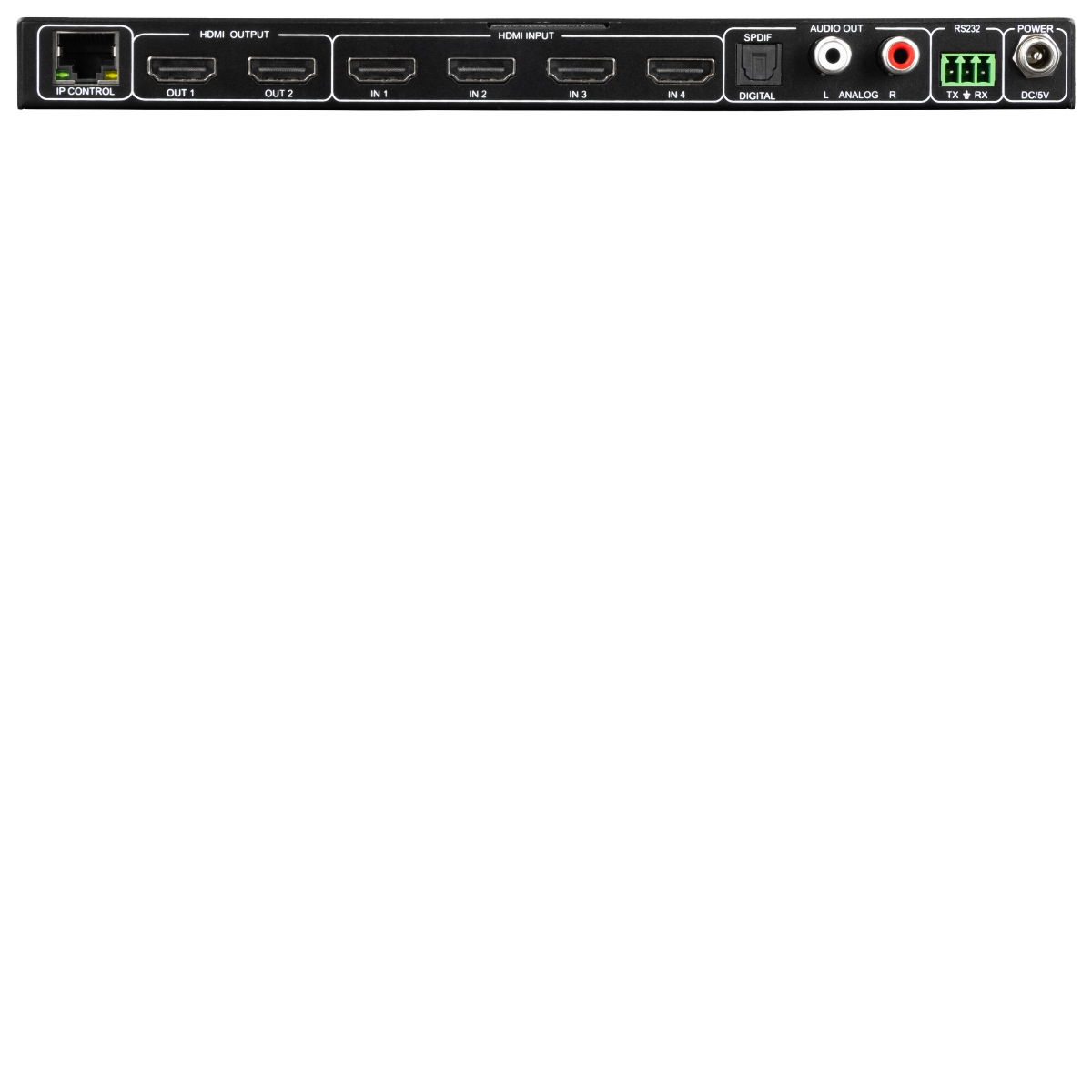

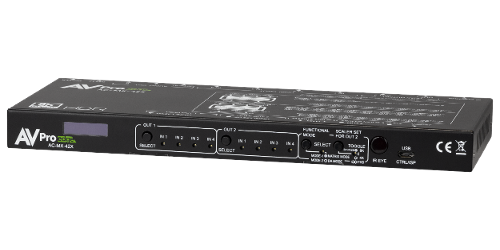
AVPro Edge AC-MX-42X
4x2 HDMI Matrix Switcher - 8k Ready - HDMI 2.1
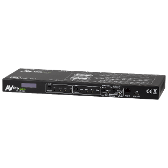
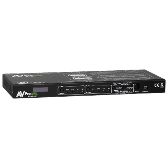
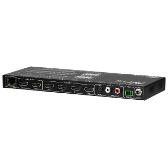
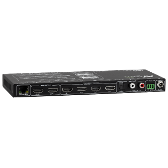
- HDMI 2.1
- FRL (5)
- HDCP 2.3
- 40Gbps Bandwidth Support
-Lynn Y.



Description
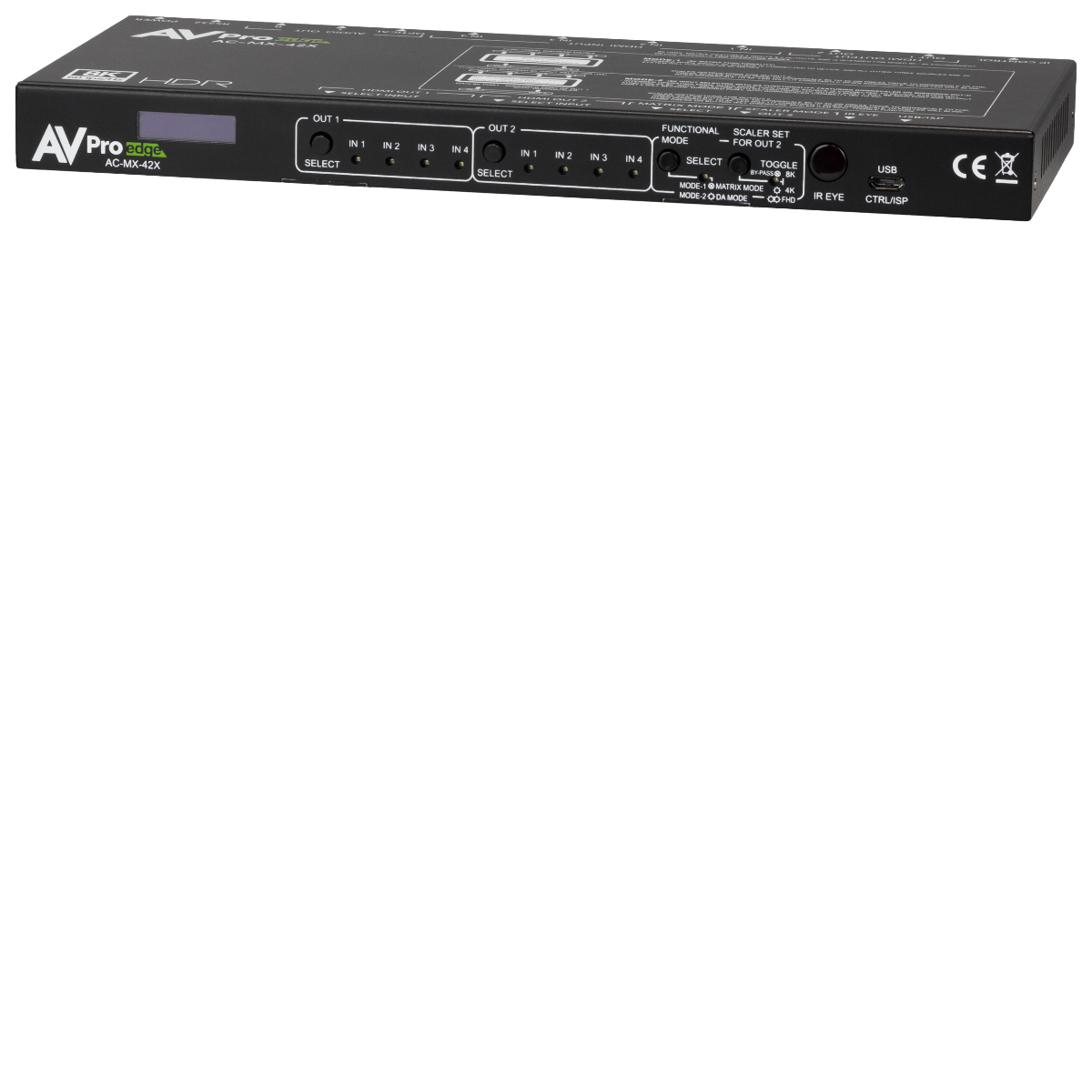
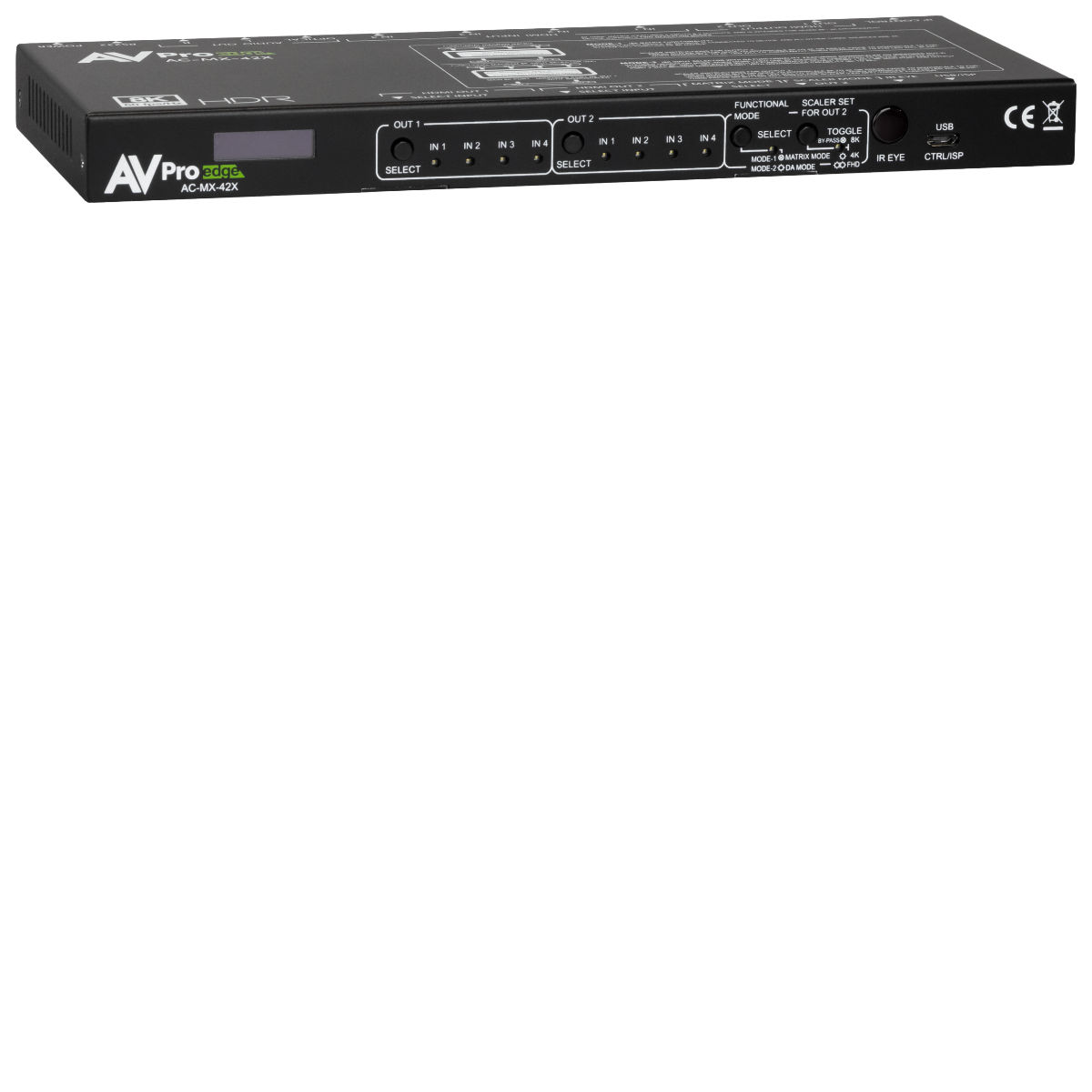
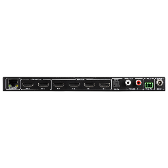
Route four HDMI sources to two outputs with the AVPro Edge AC-MX-42X. This 40 Gbps matrix handles compatible 8K60 and 4K120 signals using HDMI Fixed Rate Link.
It is suited to systems that share a gaming console, streaming player or media PC between two displays or feed a display and an AV receiver.
Built-in scaling helps accommodate an older device on the second output. EDID tools let an integrator manage the capabilities reported to the source, while the web interface provides a place to configure and troubleshoot the switcher.
The front display can show the unit's IP address during setup. The switcher also offers optical digital and balanced analog audio outputs. Choose the connection based on the sound system's input and the format it can accept.
Planning the source and display routes
For high-refresh systems, check the whole route from the source through the switcher to the selected display. The source, cables and display all affect whether a given HDMI timing is available. Configure the higher-bandwidth display path first, then add the scaled path and repeat the test with both connected.
In an AVR bypass setup, send high-bandwidth video to the main display and use the other path for audio through a compatible receiver. The receiver's HDMI output may need a device that provides an active EDID.
Test the highest intended refresh rate and the receiver's audio lock with both outputs active. An HDMI scaler and EDID manager can supply that active EDID on the receiver's output. That gives the receiver a connected endpoint to negotiate with while the main display uses the separate video path.
A matrix gives each destination its own source selection. Map the inputs to the names users recognize and label the outputs by room or display. During setup, check whether both destinations can handle the same source format and whether the switching behavior matches what staff expect when someone plugs in a laptop.
Specifications
- 8K60 4:2:0 Support4K resolutions at 120 frames per second
- 8K resolutions at 60 frames per second
- Full HDR Support (HDR 10 & 12 Bit)
- Dolby Vision, HDR10+ and HLG Support
- HDCP 2.3 (and all earlier versions supported)
- 8K > 1080p Down Scaler (Out 2)
- Perfect AVR Bypass deliver 40Gbps to Display and uncompressed audio to AVR
- Advanced EDID Management
- IR, RS-232 and LAN Control Options
- Digital Toslink Out (7CH PCM, DD, DTS)
- Balanced Analog Out (2CH PCM)
- Down-scaling mode for mixed systems
- Driver Support for Crestron, C4, RTI, ELAN and more
Reviews
| Name: | KJ Miller |
| Rating: | |
| Date: | June 26, 2025 |
|
I had a few Q's prior to purchasing and Joel worked with me and was super awesome, I replaced a cheaper Amazon 4x2 8K switch that was diode HDMI chipped, this one with on board real HDMI chips on the board and it all comes together and works flawlessly. The unit has some weight when in hand and seems very durable. For this install I'm using 2x 4K displays; Samsung 85" QLED and a Formovie Premium 4K UST Projo w 135" fixed screen. The inputs are: Nvidia Shield Pro (latest model), Firestick 4K max, Xbox series-X and a Hi-end Gaming Computer. ALL WORK flawlessly together :) I wanted the 8K to so call "future proof" this purchase. My only negative would be the LCD display, I have good vision but at 55 yrs old, it could be a tad bigger. Trying to read the IP address so I could network (UI) this to my laptop was quite difficult. I think the flouroscan display (at that font size) was bleeding the text into an edge blur. Also reading the displays connections becomes worthless as well. You can see this in the UI (on the laptop) quite easily. Also to note, do the firmware update first thing. I had some instability until I did the update, perfect after this 1 minute process however. VERY very happy, Thank you again Joel! -KJ |
|
Write a Review