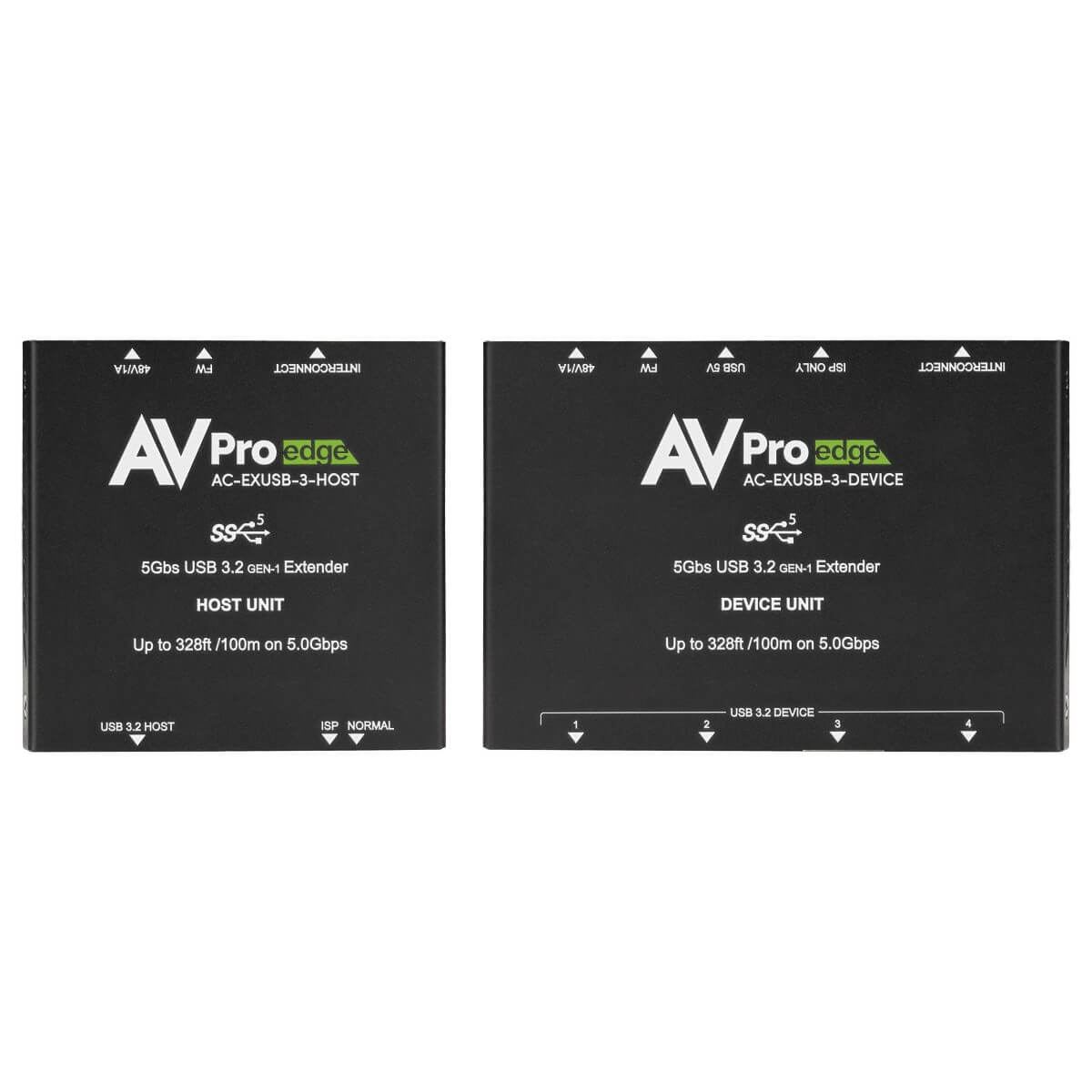

AVPro Edge AC-EXUSB-3-KIT
100M USB 3.2 Gen 1 Extender Kit


- Transport USB 3.2 Gen 1 signals up to 100 Meters from Host/Computer
- Supports 4K Cameras, microphones, plus legacy USB 2.0 and 1.0 devices
- 5 Gbps Total Bandwidth for Four Devices
- Send USB 3.2 Gen 1/2.0/1.0 Signals Simultaneously



Description
Place a conference room PC up to 100 meters from its USB peripherals with this USB 3.2 Gen 1 extension kit over Cat6A. The host unit connects by USB-C, and the device unit provides four USB Type-A ports. The device supports up to 5 Gbps at the USB 3.2 Gen 1 link level and can accommodate a mix of compatible USB generations.
Use the remote unit as a hub for a camera, touch interface and other USB accessories. The two-piece design lets you keep the computer in a rack and put the device connections near the people using the room.
Power can be applied at either end as specified by AVPro Edge. Use the device-side hub for permanent room peripherals and reserve a port for an accessory if the room needs it. Where video from a presenter laptop is also required, a separate ConferX HDMI wall plate extender kit can carry that picture to the display while the USB kit connects peripherals to the host.
Planning the host and device connections
A remote USB hub location is useful in rooms where the camera and user controls sit together, but the host is elsewhere. Identify which ports will serve permanent devices and which are accessible to staff. Record the cable path and power location so a service technician can check both without moving furniture.
Test the intended devices together, especially if several draw power or transfer video at once. Set up the camera at the resolution and frame rate used by the conferencing software, then check that the other devices remain responsive. This is a USB data link, so plan the room's HDMI or display connection separately.
Plan the USB link around the host and device positions. Keep the power connection accessible, and choose short USB leads for the equipment at each end.
During setup, confirm the computer sees the remote devices, then open the application they will use so you can verify that the required functions are available.